
4-Week GenAI Essentials: Learn AI Tools for the Future
4.5
256 students
Master 15+ cutting-edge AI tools and transform your career & studies with practical, hands-on experience. Join hundreds of students already on their AI journey.
Comprehensive GenAI Learning Experience
From foundational concepts to advanced applications, our curriculum covers everything you need to become proficient in Generative AI.
Understanding AI types, applications, and real-world use cases.
Master the art of writing clear and powerful AI prompts.
Generate stunning images and visual content using AI tools.
Create realistic voiceovers and AI-generated music.
Boost productivity with AI-powered coding assistants.
Learn ethical usage, bias detection, and safe AI practices.
Master 15+ Popular AI Tools
Each week builds upon the previous, taking you from AI basics to creating your own AI-powered projects.
4-Week Learning Journey
- What is AI and where do we use it today?
- Types of GenAI tools: Text, Image, Video, Voice, Music, Productivity
- Real-life examples: ChatGPT, Midjourney, Synthesia, ElevenLabs
- How to write effective prompts for ChatGPT, Claude, and Midjourney
- Prompt design patterns: instruction, context, constraint
- Hands-on: Try 5 prompts in ChatGPT & generate an image with DALL-E or Midjourney
- ChatGPT, Claude, Gemini, DeepSeek overview
- Choosing the right chatbot for writing, summarizing, reasoning, or coding
- Hands-on: Write an article using ChatGPT and summarize using Claude
- Midjourney, DALL-E, Stable Diffusion — creative use cases
- Prompt structure for image tools
- Hands-on: Create a poster or concept art using DALL-E or Midjourney
Key Takeaway: Understand how to communicate visually and textually with AI.
- Tools: ElevenLabs, Murf, Suno, Udio
- How AI creates realistic voices and songs
- Hands-on: Create a 30-second AI voiceover and a short music clip
- Grammarly, QuillBot, Perplexity AI for enhanced productivity
- Hands-on: Improve a paragraph, paraphrase text, and verify facts using Perplexity
Key Takeaway: Leverage AI to create audio content and write professionally.
- Tools: Microsoft Copilot, GitHub Copilot, Tabnine
- How AI automates tasks in Word, Excel, and code editors
- Hands-on: Create a PowerPoint using Copilot & write simple code with GitHub Copilot
- AI ethics, bias, and safe usage
- Emerging trends: multimodal AI & automation
- Mini Project: Combine two tools (e.g., DALL-E + ElevenLabs) to make a creative demo
Key Takeaway: Apply GenAI responsibly and integrate tools for real-world productivity.
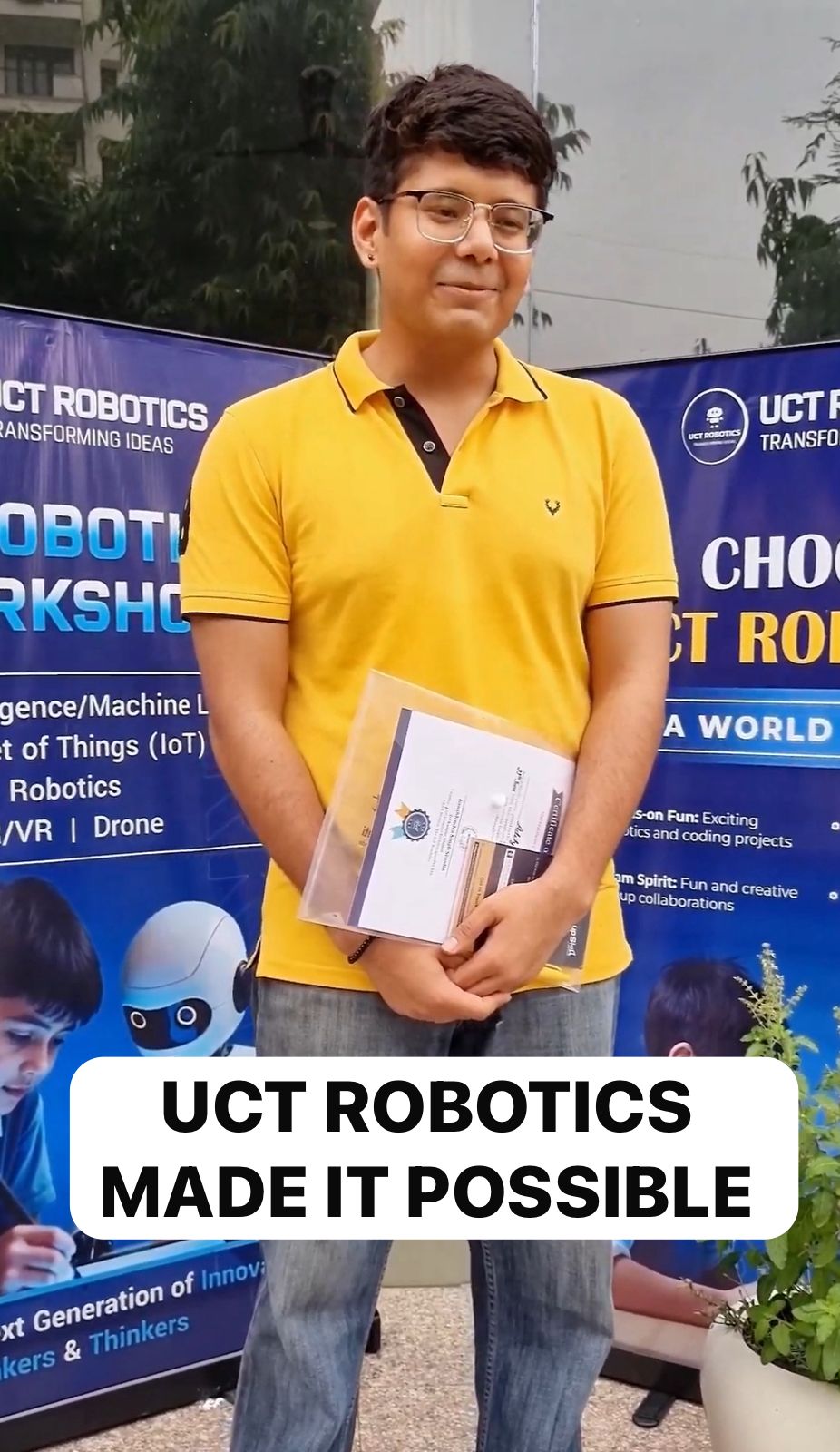
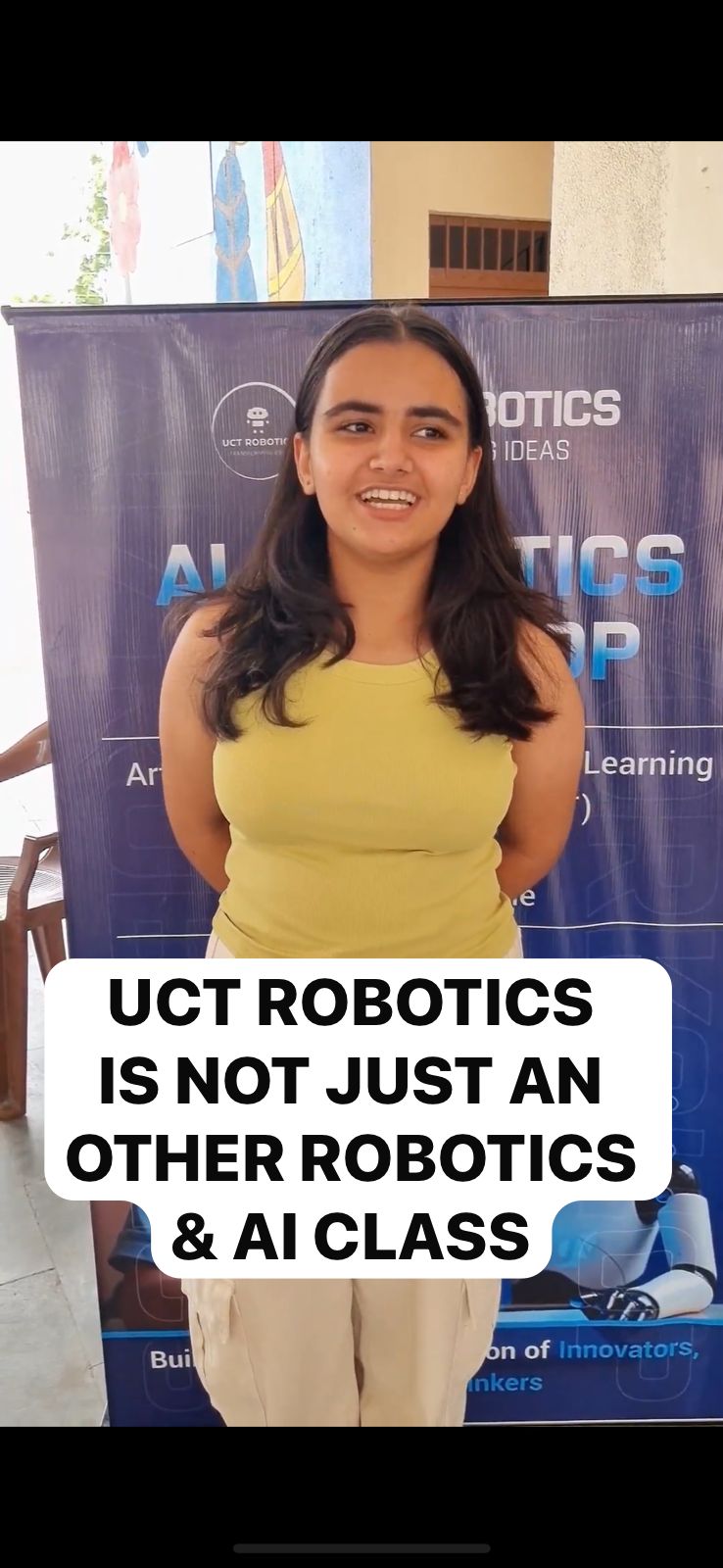
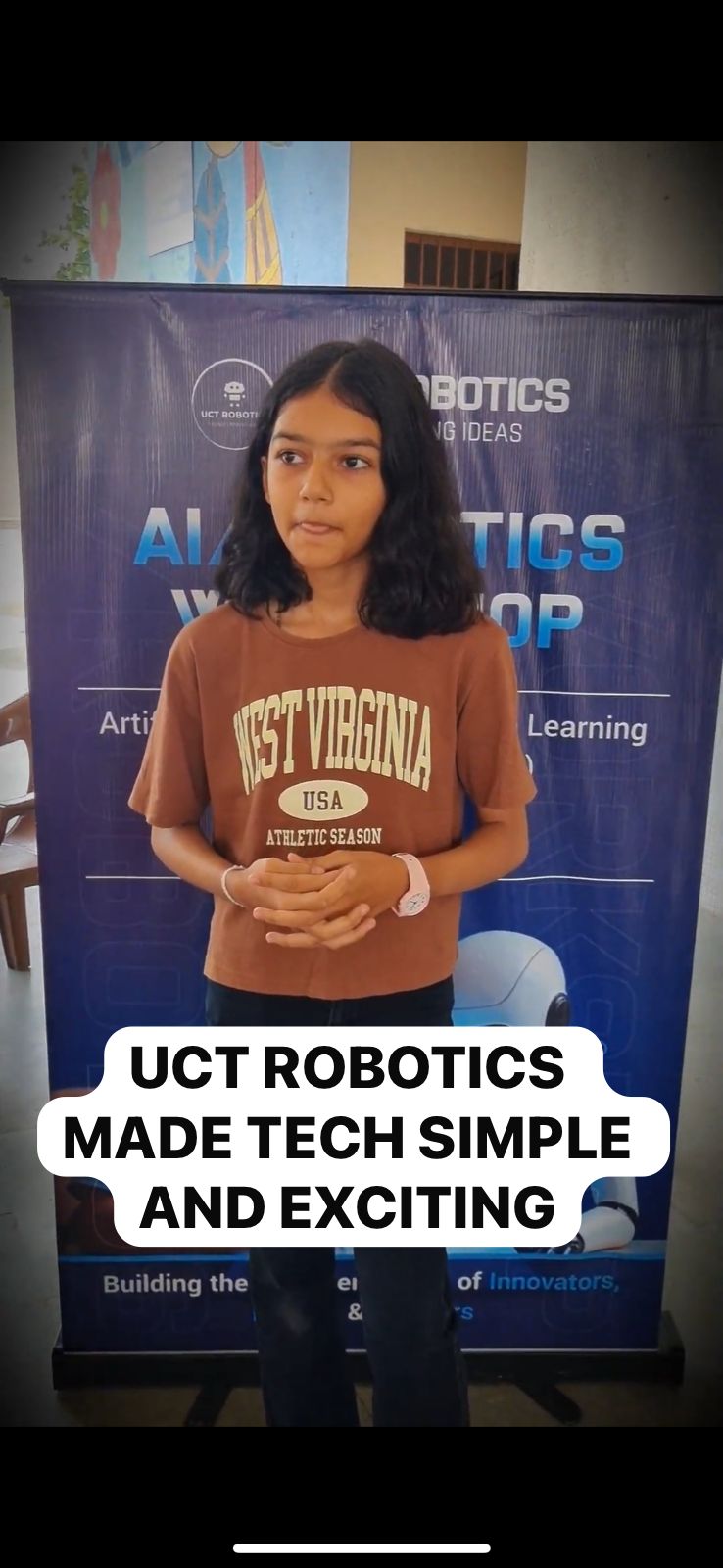
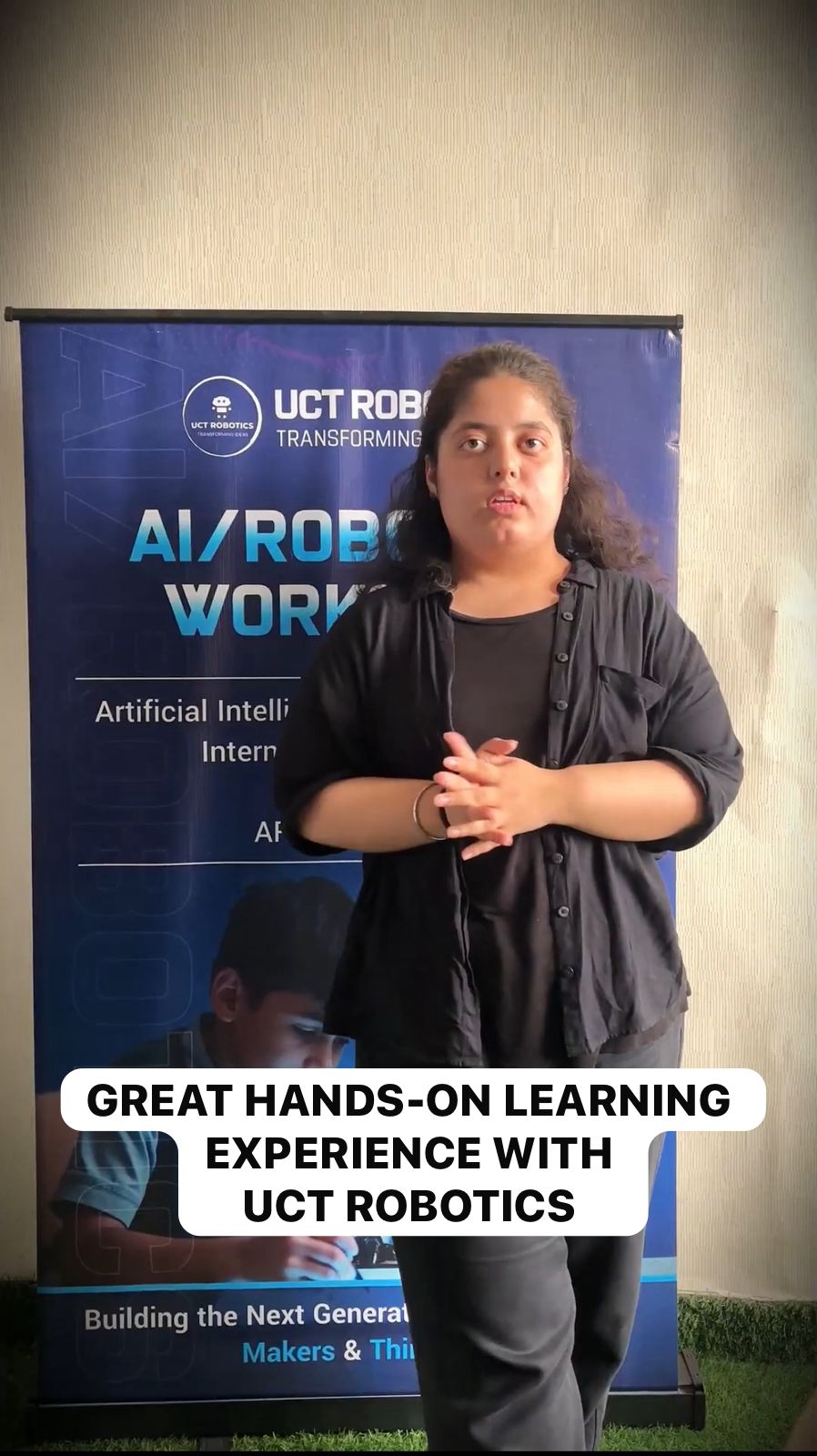
Next-Gen AI Leaders: Kids’ Success Stories
The UCT Robotics Program empowers kids to build, code, and innovate—from first robot to award-winning creations!
What You'll Achieve
By the end of this course, you'll have practical skills that set you apart in today's AI-driven world.
Master 15+ AI Tools
Gain hands-on experience with industry-leading AI platforms across text, image, voice, and coding.
Build Practical Skills
Apply AI tools to real-world tasks, automations, and everyday workflows.
Create AI Projects
Develop a portfolio-ready AI-powered mini project you can showcase to others.
Future-Ready Skills
Stay ahead with emerging AI trends, tools, and technologies that are shaping the future.
Your AI-Powered Mini Project
Apply everything you've learned by combining multiple AI tools to create an impressive final project.
Kids Earn AI Achievement Certificates
UCT Robotics rewards talented learners with official AI Achievement Certificates for completing project-based tasks, mastering Python and AI concepts, and presenting creative solutions in our kids’ AI curriculum.
* Sample certificate shown. Actual design may vary for different age groups and achievement levels.
Discover How Kids Are Thriving with Our AI Program
Book a Free Demo Class Limited Seats
Fill in your details to get syllabus, projects, and exclusive demo access.